What the green card lottery photo is for
A green card, formally the Permanent Resident Card, lets you live and work permanently in the United States. One way to get it is the Diversity Immigrant Visa Program, better known as the DV lottery or green card lottery. It makes up to 55,000 immigrant visas available each year by random selection among people born in countries with low rates of immigration to the US. You need a DV lottery photo twice: a digital file uploaded with the online E-DV entry, and two identical printed copies if you are selected and called to the visa interview. Both follow the US State Department photo rules, and a wrong DV lottery photo can cost you the whole entry.
DV lottery photo size for the online entry
The digital image requirements say the green card lottery photo must be a square JPEG of at least 600×600 pixels and at most 1,200×1,200 pixels. Many people think 600×600 is the only accepted size, but it is the minimum: any square image between the two sizes is valid. The file must not exceed 240 KB, the JPEG compression ratio must be 20:1 or less, and the colour depth must be 24-bit in the sRGB colour space. Grayscale images and files with unusual colour profiles are rejected. Our maker saves the DV lottery photo as a square JPEG that fits these limits, so you can upload it directly.
Head size and eye position in the DV photo
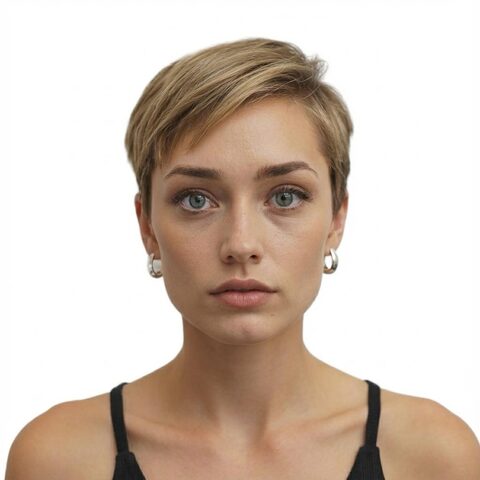
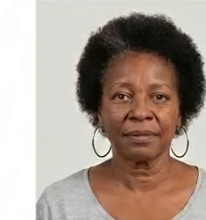
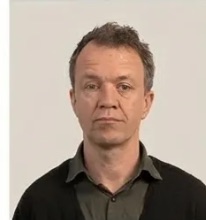
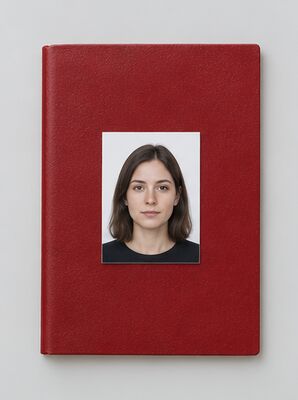
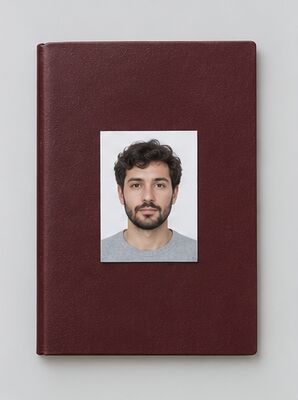
The US photo composition template sets tight limits on where your head sits. From chin to the top of the hair, the head must take 50–69% of the image height. The eyes must be between 56% and 69% of the image height, measured from the bottom edge. On a 2×2 inch print this means a head of 1 to 1⅜ inches and eyes 1⅛ to 1⅜ inches from the bottom; in our template the head is about 1.29 inches and the eye line about 1.18 inches. A DV lottery photo with a head that is too small or too large fails even if everything else is right.
Printed green card lottery photos for the interview
If your entry is selected, you will need two identical 2×2 inch (51×51 mm) photos printed on photo-quality matte or glossy paper for the US immigrant visa interview. The same rules for background, expression and head position apply to the printed copies. Download your DV lottery photo, print it at 300 DPI and cut two copies to the exact size.
Photos of your spouse and children
The DV lottery entry must include a photo of your spouse and of every unmarried child under 21, even if they do not plan to immigrate to the USA. Each person appears alone in a separate photo, and every DV lottery photo in the family follows the same rules as yours. You can make each family member's green card lottery photo with our tool, one photo at a time, and add each DV photo to the entry.
DV lottery photo checklist
- Square JPEG between 600×600 and 1,200×1,200 pixels, 240 KB or less.
- Plain white or off-white background with no shadows, patterns or objects.
- Head 50–69% of the photo height, eyes 56–69% from the bottom.
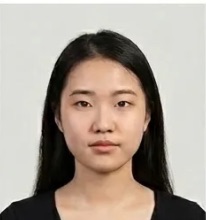
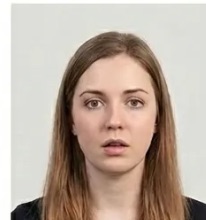
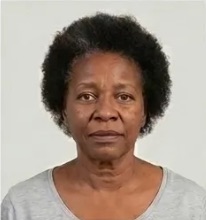
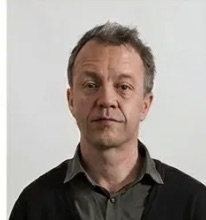
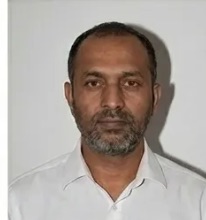
- Neutral expression, both eyes open, face looking straight at the camera.
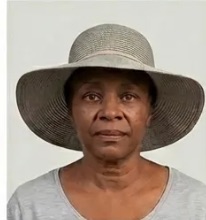
- No eyeglasses; no hat unless worn daily for religious reasons.
- Colour photo taken within the last 6 months, not edited or filtered.
How the green card lottery works
All entries are submitted electronically on the E-DV website during the registration period; late or paper entries are not accepted. The DV-2026 registration ran from October 2 to November 7, 2024, and for DV-2026 and earlier cycles there was no cost to register. The law allows only one entry per person in each registration period, and more than one entry disqualifies you. The US State Department encourages you to fill in the form yourself, without a consultant or agent. Keep your confirmation number: it is the only way to check your status. Eligibility depends on your country of birth, not your citizenship.
After the DV lottery: selection and interview
A selected applicant completes the American immigrant visa application, has a medical examination with an approved physician and attends an interview at a US embassy or consulate. All DV-2026 applicants had to obtain their visa or adjust status by September 30, 2026. Note that the US State Department has paused all DV immigrant visa issuances pending a review of screening and vetting; applicants may still apply and attend interviews, but no diversity visas are issued while the pause is in effect. Check the official news page for updates.
Taking the photo yourself with a phone
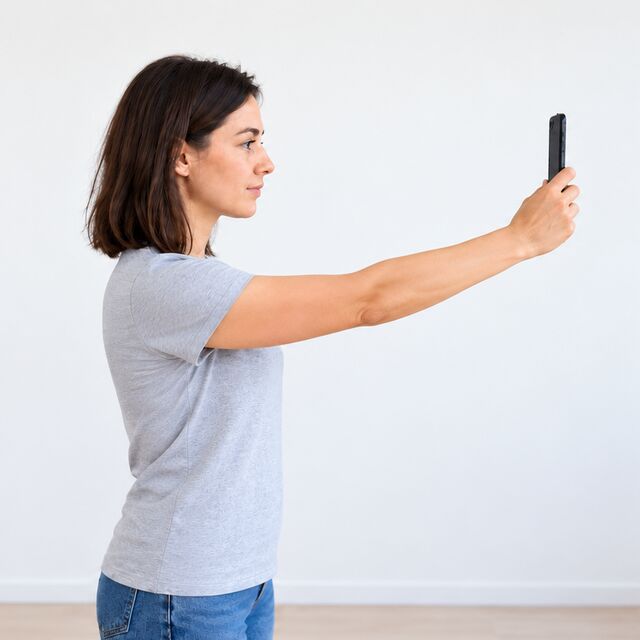
You do not need a studio to take a photo for the US DV program. These steps follow the US State Department guidance and work with any modern phone:
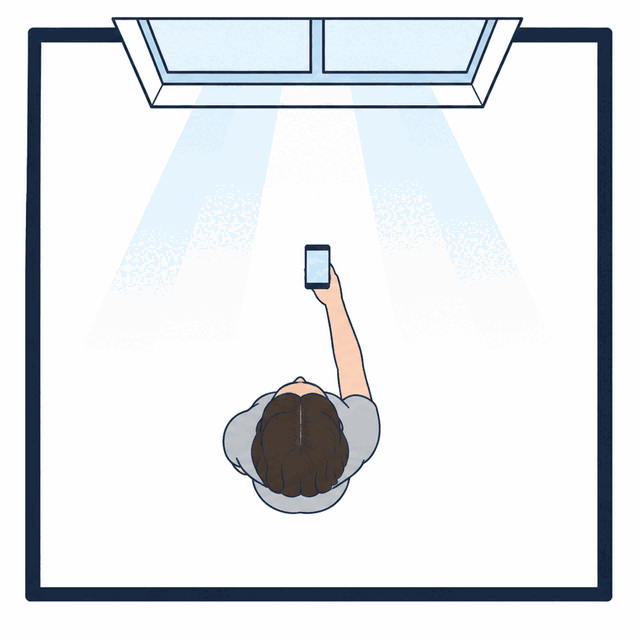
- Use daylight from a window. Face the window so the light falls evenly on your face from the front. A bright window or lamp behind you creates backlight and shadows across your features, and both are reasons to reject a photo.
- Stand in front of a plain wall. A white wall or a white sheet works best. Even if our AI replaces the background, a plain wall gives a cleaner outline of your hair and shoulders.
- Ask another person to hold the phone. The camera should be at eye level and parallel to your face. Angling the lens up or down distorts your features in the photo.
- Centre your face. Your full head, from the top of the hair to the chin, must be visible and centred, with a small margin above the hair.
- Check expression and clothing. Face the camera directly with a neutral expression and both eyes open. Remove eyeglasses, and wear the clothes you normally wear every day.
- Review the result. Before you upload it online, check that the image is sharp, both eyes are visible and no shadows fall on your face or the background.
Clothing, head coverings and uniforms
The US State Department photo requirements ask you to wear clothing you normally wear on a daily basis. Uniforms are not allowed, except religious clothing worn every day. Hats or head coverings that hide the hair or hairline are not permitted unless worn daily for a religious purpose; in that case your full face must stay visible and the covering must not cast shadows on it. A head covering worn for any other reason must come off before you take the photo.
Eyeglasses and medical exceptions
Since November 1, 2016, eyeglasses are not allowed in US visa photos, and that includes the photo for the diversity visa entry. In rare cases where glasses cannot be removed for documented medical reasons, a US consular officer may consider an exception, but it is narrow and never automatic. Sunglasses and tinted lenses are prohibited in every case.
Photos the US State Department does not accept
Beyond size and background, the US rules exclude several kinds of photos outright:
- Photos copied or scanned from a driver's licence, a passport or another official document.
- Snapshots, magazine photos, low-quality images and full-length photographs.
- Photos that are digitally enhanced or altered to change your appearance. Red-eye reduction is fine only when the camera applies it while shooting; red-eye removal afterwards is not.
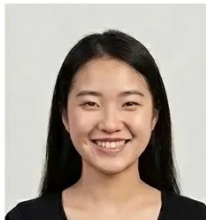
- Profile shots and out-of-focus images. Your entire face must be centred and taken from the front.
- A photo that no longer shows your current appearance, even if it is technically correct.
Who can enter the diversity visa program
Eligibility is set by your country of birth, not your current citizenship. People born in countries that have sent large numbers of immigrants to the United States in recent years are excluded from each cycle. The US program is open only through the official E-DV website, and the US State Department advises entrants to complete the form themselves rather than pay an agent. Excluded countries are set for each DV cycle, so read the DV instructions for the current cycle before you enter. Any website that charged a fee to enter the DV-2026 or an earlier cycle was not the official US site.
Checking your image with the US State Department Photo Tool
The US State Department also runs a Photo Tool online that crops an image and compares it with the official composition template. Final acceptance of any photo is decided by the US embassy or consulate that handles your case. Our maker runs the same kind of check on head size, eye line, background, file size and format in one step, and lets you download the finished photo right away.
Making the DV photo with iShotAPhoto
- Choose the US green card lottery as your document; the template already holds the US DV entry rules.
- Take a new photo or upload one you have. The AI checks the dimensions, file size, background and head position of the photo against the US rules.
- Look at the free preview and confirm the framing before you continue.
- Download the JPEG and upload this photo straight into the E-DV entry form. Keep the original file in case you need prints later.
- If you are selected for a DV interview, print the same photo twice at 2×2 inches on photo-quality paper.
Digital and printed DV photos compared
The DV entry and the DV interview use the same photo, but in two formats. For the entry you upload one digital file per person: a square JPEG, 600 to 1,200 pixels on each side, no larger than 240 KB, in 24-bit sRGB colour. For the interview at the US embassy or consulate, each DV applicant brings two identical paper photos of 2×2 inches, with the head between 1 and 1⅜ inches and the eyes 1⅛ to 1⅜ inches from the bottom. The background, expression, eyeglasses and clothing rules are the same for both. Even if you already have a printed 2×2 inch photo for a US document, the DV entry still needs a digital file that meets the E-DV limits.
Why a rejected DV photo matters
A US diversity visa entry with a photo that does not meet the requirements is disqualified, and you learn about it only when DV results are published months later. Late entries are not accepted, so you cannot send a corrected photo after the registration period closes, and one entry per person is the limit, so a second entry is not a way out. That is why it pays to check the photo before you upload it. Under American DV rules, head size, background and file size are checked strictly, and our AI check covers each of them. Taking the DV photo on a phone at home is fine, as long as the photo meets every US requirement above. If the check flags a problem, retake the photo in better light or use the retouch option before you submit your DV entry to the US State Department. The same applies to the photo of each family member in the entry, because every photo in a DV application for the United States has to pass the same rules.
After you submit the DV entry
When you submit the DV entry online, you receive a confirmation number. The US State Department says it is the only way to check your selection status, so save it together with your photo files. If your DV entry is selected, you continue with the immigrant visa application, a medical examination and the interview at a US embassy or consulate, where each applicant hands in two printed photos. Keep the original photo file so you can print the interview photos from it, and remember the 6-month rule: if more than 6 months have passed since you took the photo, take a new one for the prints.
Green card lottery photo vs other US photos
The DV lottery photo uses the same State Department composition rules as the US visa photo and the US passport photo, but the digital file limits are specific to the E-DV upload. If you already hold permanent residence and need a photo for a USCIS form, see the US green card photo and USCIS photo pages.