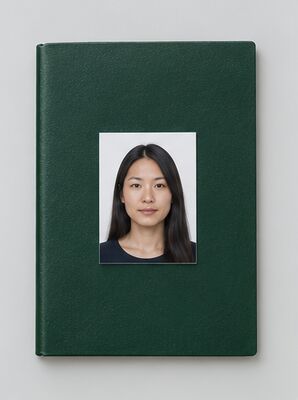
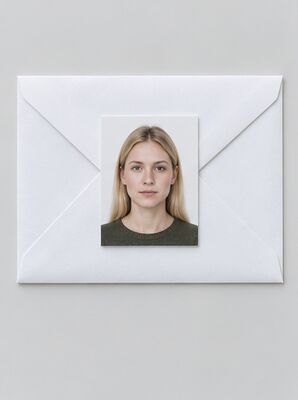
What the My Number Card is
The My Number Card (マイナンバーカード), officially the Individual Number Card, is issued by your local municipal office to every resident who has been assigned an Individual Number, the 12-digit number people in Japan simply call their My Number. The card shows your name, address, date of birth, sex, your My Number and a photo of your face. It works as official photo ID, lets you complete administrative procedures online and gives you access to certified copies of residence records at convenience stores. Japanese citizens and foreign residents with an active resident registration can both apply, and first issuance and reissuance of the card are currently free of charge.
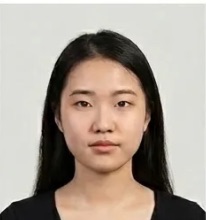
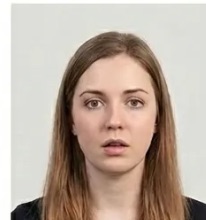
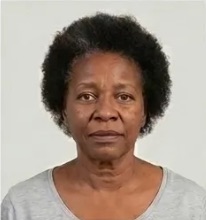
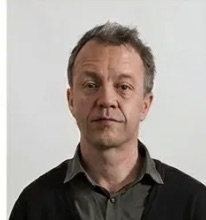
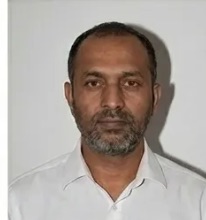
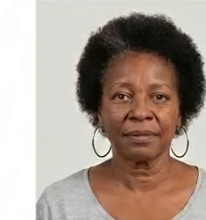
The official My Number Card photo size
For a paper application, the photo size is 45 mm high and 35 mm wide. The outer size is only half of it: the face layout inside the frame is checked as well. The official face photo specification sets three numbers, each with a tolerance of ±2 mm:
- Face height from chin to the top of the head: about 34 mm.
- Space from the top of the head to the top edge of the picture: about 4 mm.
- Distance from the side edge of the picture to the centre of the face: about 17 mm, so the face sits in the middle.
A face that is too small, too high or off to one side is flagged during review even when the outer size is right. Our maker places the head on this grid for you, and the print file is prepared at 600 DPI so the picture stays sharp at 45×35 mm.
Why the size rules are so strict
The picture you submit is not printed on the card at full size. It is reduced to 27.5 × 22.0 mm on the card face, so a badly framed original turns into a cropped or distorted portrait on a document you may carry for close to ten years. The official My Number Card site also reports that nearly 80% of reapplications are caused by photograph defects. Getting the picture right the first time is the easiest way to avoid weeks of extra waiting.
Digital photo rules for an online application
When you apply by smartphone or computer, there is no print at all: you upload a picture file. The photo checkpoint page lists the technical rules for the file:
- Format: JPEG only.
- Colour mode: RGB. A CMYK file is rejected at upload.
- Pixel size: between 480 and 6,000 pixels in both width and height.
- File size: between 20 KB and 7 MB.
- No editing in image editing software. Your phone's own camera app is fine; retouching tools are not.
- No image noise, blurred ink or dots, or jagged edges from heavy compression.
No DPI value is required for the upload: quality is defined by the pixel count and the layout of the face. The same face proportions apply as on paper, so a digital picture should be framed like a 45×35 mm print. Our tool exports the upload file as a JPEG within these limits.
Four ways to apply for the card
The official pamphlet for foreign residents lists four ways to apply for a My Number Card: by smartphone, by computer, at an ID photo booth, and by mail. The application method decides which photo you need:
Your Individual Number Notice and the QR code
After you register your address at a municipal office, the Individual Number Notice arrives by mail in about 2 to 3 weeks. This letter contains your 12-digit My Number and a QR code you use to start the My Number Card application online. The notice itself cannot be used as official ID; only the card does that. Keep the letter safe until your application is done, and have your picture ready before you scan the code so you can finish in one go.
Plain background and lighting
The rules ask for a plain background with no pattern or objects. No specific colour is required, so white, off-white or the light grey our tool uses are all fine. Furniture, doors or a patterned wall behind you are a common reason for rejection, and so is a shadow cast on the wall. Stand a step away from the wall and face a window so the light falls evenly on your face. Our AI replaces the background with an even light tone, which also removes most background shadows.
Colour or black and white
Our tool produces a colour picture for the My Number Card. The checkpoint page notes that black-and-white photos are also accepted, which sets the My Number Card apart from some other identity documents. Whichever you choose, the picture must be sharp, in focus and taken within the last 6 months.
Expression, pose and sharpness
The checkpoint rejects a head turned to the side and an unnatural expression, so sit or stand square to the camera and look straight into the lens. Keep a relaxed, neutral face with your mouth closed and both eyes open. A blurry picture is also a listed reason for rejection, whether it comes from a lens out of focus or from camera shake: rest the phone on something stable, use the timer, and take several shots so you can pick the sharpest one. Our AI check looks at the head angle, the expression and the sharpness before you download, so you know whether to retake the picture.
Glasses, hats and head coverings
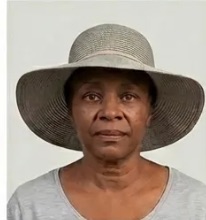
Hats are not allowed in the photo. Glasses are allowed only when the frames do not cover your eyes; if the frames overlap your eyes, take them off. The checkpoint page lists exemptions for religious headwear such as turbans and hijabs, provided your whole face stays visible, as well as exemptions for medical wigs and eye patches and for wheelchair users and bedridden applicants. Ask your local municipal office which documents they need in these cases.
Children and babies
Since December 2, 2024, children under 1 year old at the time of application do not need to submit a photo. All older children must submit a photo that meets the same size and face rules. For applicants under 18, the My Number Card is valid until the 5th birthday after issuance, so a child's card and picture are renewed more often than an adult's.
What happens if the size is slightly wrong
The FAQ explains that if a submitted picture can be cropped to the correct size without loss of quality, it will not be treated as a defect and issuance goes ahead. That is a safety net, not a plan: a print that is too small, or a face that is cut off, cannot be fixed by cropping. Submitting the correct 45×35 mm size with a well-placed face avoids the question entirely.
Processing time and collecting the card
Standard processing takes about 3 to 4 weeks from the application to the issuance notice, after which you collect the My Number Card in person at your municipal office. An Express Issuance and Delivery System launched on December 2, 2024 lets qualifying applicants receive the card within one week. You can check your application status 2 to 3 days after you submit it.
Validity and renewal
For adults aged 18 and over, the My Number Card is valid until the 10th birthday after issuance, about ten years. The electronic certificates on the card expire after 5 years regardless of age. Renewal can be requested when less than 3 months remain before the expiry date, and it cannot be done online because your identity is checked in person. Any picture you submit for the renewed card has to meet the same size rules.
Foreign residents
Foreign residents who have completed resident registration are assigned an Individual Number and can apply for the card. One restriction applies: you cannot apply with the original notice if the name, address or expiry date on your residence card has changed, or if the residence card has expired. If it expires within one month, renew it at the immigration bureau first. Your residence card uses its own photo format; see our residence card photo page. If your name or address changes later, you must update the My Number Card at your municipal office within 14 days. A multilingual support line, 0120-0178-27, answers questions in English and nine other languages.
New features on the card
Since September 1, 2025, holders of a Myna Driver's License can carry their license information on the card, and My Number Card functions became available on iPhone in June 2025. The picture on the card is the one you submit with the application, so it is worth getting it right.
My Number, the notice and the My Number Card
Three things share the same name and are easy to mix up. Your My Number is the 12-digit Individual Number itself, assigned to every registered resident. The Individual Number Notice is the letter that tells you your My Number. The My Number Card is the plastic photo ID you apply for separately, and it is the only one of the three that needs a picture. Your My Number does not change if you temporarily leave Japan and return, and it cannot be changed at your request. Having a My Number does not mean you already hold a My Number Card: you can know your My Number from the notice and still need to apply for a My Number Card separately.
How to take a My Number Card picture with your phone
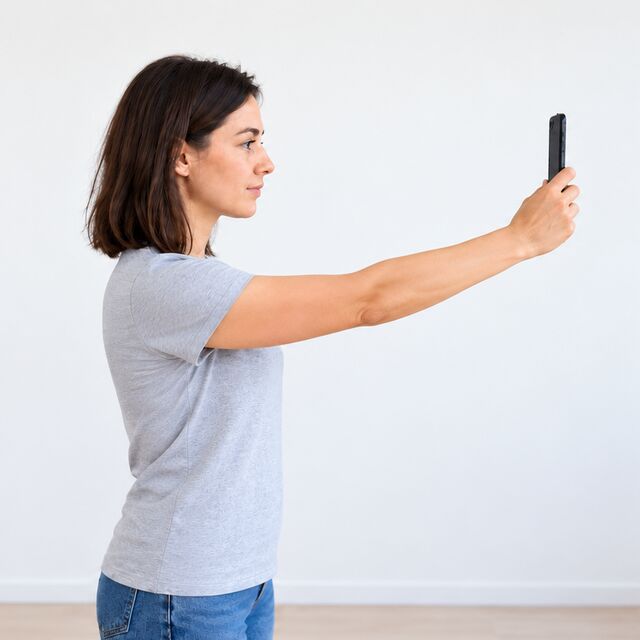
You can take a picture that meets the My Number Card rules with an ordinary phone if you follow a few framing and lighting steps:
- Use a plain background. Stand in front of a wall with no furniture, pattern or objects. A white or light wall works best.
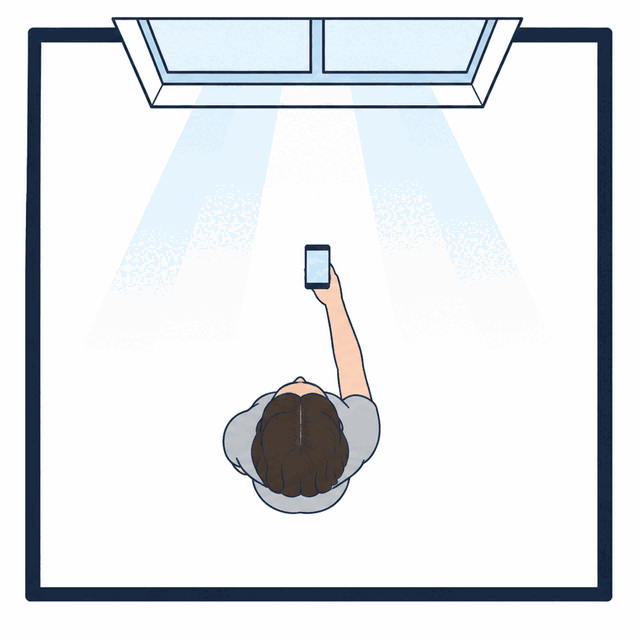
- Use daylight. Face a window so the light falls evenly on your face. A window or lamp behind you darkens the face and adds shadows.
- Keep the camera at eye level. Rest the phone on a shelf or ask someone to hold it. Shooting from above or below changes how the face sits in the frame.
- Face straight ahead. Look into the lens with a neutral expression and your mouth closed. Head turns and unnatural expressions are rejected.
- Remove your hat and check your glasses. If the frames overlap your eyes on the screen, take the glasses off.
- Check the framing. Your whole head, from chin to crown, should be visible with clear space above it. Save the picture as a JPEG for the upload.
Upload that picture to our maker and it handles the rest: the 45×35 mm crop, the face height and centring for the My Number Card, and a plain light background.
Where else to get a My Number Card picture
Besides taking the picture yourself, you can use a photo booth, a pharmacy or a photo studio. Photo booths are found all over Japan, and an ID photo booth is one of the official ways to make a My Number Card application. Pharmacies are quick, though results vary. A studio that knows the My Number Card rules gives the most reliable result but needs a visit or an appointment. Costs and waiting times depend on where you live. Taking the picture at home with our tool lets you retake it as many times as you like and see the AI check before you download.
Applying online with your My Number notice
For a smartphone application, scan the QR code on the Individual Number Notice, enter the requested details and upload your picture. A computer application follows the same steps with the JPEG saved on your computer. Because the picture goes straight into the My Number Card system, the file rules above are checked at upload: a CMYK file, a file larger than 7 MB or an edited picture will not go through. When the My Number Card is ready, you receive an issuance notice and collect the My Number Card at your municipal office, where your identity is confirmed in person.
What the picture on the My Number Card is used for
The My Number Card is accepted as official photo ID, so the picture is what people compare with your face whenever you show it as ID. The card is also used for administrative procedures online and for certified copies of residence records at convenience stores, and it carries electronic certificates that are renewed every 5 years. A clear, well-lit picture taken within the last 6 months makes that face check simple for the whole validity of the My Number Card.
Keeping your My Number Card up to date
The details on the My Number Card must match your resident record. If your name or address changes, visit your municipal office within 14 days to update the My Number Card; your My Number itself stays the same. The electronic certificates on the My Number Card expire after 5 years, earlier than an adult's card, so keep an eye on both dates. Reissuance of a My Number Card is currently free of charge, and any picture you submit for a new My Number Card follows the same size and face rules described above.
Checklist before you submit
- Print size 45 mm high × 35 mm wide, or a JPEG file of 480–6,000 pixels when you apply by phone or computer.
- Face about 34 mm from chin to crown, about 4 mm of space above the head, face centred.
- Plain light background with no objects, pattern or shadow.
- Facing straight ahead, neutral expression, mouth closed, eyes open.
- No hat; glasses only if the frames stay clear of your eyes.
- Sharp picture taken within the last 6 months, not edited in an image editor.
- For a mail application: your name and date of birth on the back of the print.