How to Apply for an India Police Clearance Certificate (PCC) online
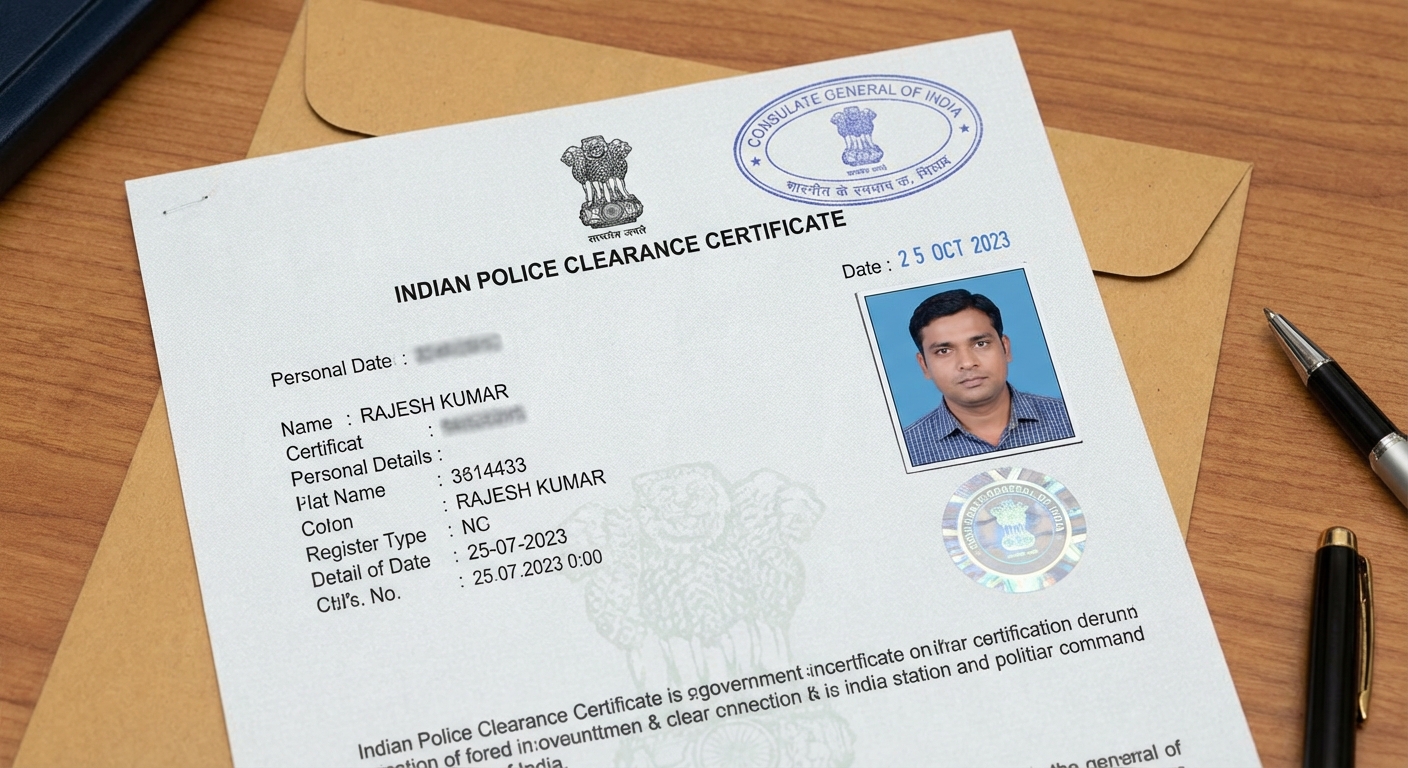
A Police Clearance Certificate (PCC) in India is an official document issued by the police department that certifies an individual's criminal record status. It serves as proof of a person's good conduct and is often required for various purposes, including:
- Visa Applications: Many countries require a PCC for visa applications to ensure that the applicant does not have a criminal background.
- Employment: Certain employers, especially in sensitive sectors, may request a PCC to verify the integrity of potential employees.
- Immigration: Individuals seeking to immigrate to another country may need to provide a PCC as part of their application process.
- Adoption: A PCC may be required for individuals or couples looking to adopt a child, ensuring they have no criminal history that could affect the adoption process.
The process is straightforward and can be done online using government portal. Unfortunately, a lot of applicants face issues with photo upload - we are here to help with it and make process smooth and easy.
Typical errors shown by portal
Image Size is not correct. Dimensions should be 630*810 pixels.
Photo is not valid as per ICAO standards
Guidelines for capturing photographs
- Close up of the head and top of the shoulders such that the face takes up 80-85% of the photograph.
- The photograph should be in color and dimensions should be 630*810 Pixels
- Background of the photograph should be White.
The photographs must:
Show the applicant looking directly at the camera
Show the skin tones naturally
Have appropriate brightness and contrast
Show the applicants eyes open & clearly visible
Should not have hair across the eyes
Be taken with uniform lighting and not show shadows or flash reflections on the face and no red eye.
It should have full face, front-view, eyes open.
Photo should present full head from top of hair to bottom of chin.
Centre head within frame.
There should not be any distracting shadows on the face or on the background.
Head coverings are not permitted except for religious reasons, but the facial features from bottom of chin to top of forehead and both edges of the face must be clearly shown.
The expression on the face should look natural.
Exemption may be granted in cases of facial deformity or neurological disorder upon submission of a valid certificate issued by a registered medical practitioner.
Typical checks done by the portal
Improvements Points
Minimum Resolution
Maximum size allowed is 250 KB. Your photo must be in colour, unaltered by computer software, a jpg or jpeg file.
Mouth Open
Your mouth should not be open
Hot Spots
Your image and the background are difficult to tell apart. You may try standing in front of a plain, light-coloured background. You may try standing further away from the wall to avoid shadows, to make sure the background has no glare or patterns
Eye Closed
It looks like your eyes are closed. Keep your head straight and in the centre of the photo
Bad Exposure
Your photo is too light or too dark. Try standing in front of a light background, standing where there’s even lighting to keep your face and features in focus, so they stand out from the background
Bad Lighting
The lighting is too dark or uneven. Try standing further away from the wall to avoid shadows, switching the flash off, standing where there’s more natural light.
Face Width Ratio
You’re standing too close to the camera; You need to stand 1.5 meters away from the camera
Non Frontal
It looks like you’re not facing the camera. don’t tilt your head or look away from the camera.
Horizontal Position
The photo does not comply with minimal and maximal head dimensions. Face too large/small.
Glasses Reflection
Reflection on the glasses. Reflections can obscure your eyes. Take off your glasses or change the lighting to avoid reflections.
Image Ratio
The photo does not comply with minimal and maximal head dimensions. Face too large/small.
Red Eyes
The photo does not comply. The Illumination shall not cause any red eye effect visible in the eyes or other lighting artefacts such as spots from a ring flash reducing the visibility of the eyes.
Vertical Position
The photo does not comply with minimal and maximal head dimensions. Face too large/small.
Non Uniform Background
Your image and the background are difficult to tell apart. Try standing in front of a plain, light-coloured background, standing further away from the wall to avoid shadows, to make sure the background has no glare or patterns
Unnatural Color
There’s a problem with the colour in your photo where you stand and your camera settings can affect the colour, switch off your flash and filter settings, try standing where there’s more natural light
Low Dyanamic
Your image and the background are difficult to tell apart. Try standing in front of a plain, light-coloured background, standing further away from the wall to avoid shadows, to make sure the background has no glare or patterns
Face Length Ratio
The photo does not comply with minimal and maximal head dimensions. Face too large/small. Try recapturing
Blurred
Your photo is blurred, Make sure there’s enough light in the room, the lens on your camera or device is clean, you and the camera are still when the photo is taken
Tilted Face
Your head is tilted, keep your head level and look straight at the camera.
How to resolve all those issues
Our India Police Clearance Certificate photo tool is designed with all the existing requirements in mind and will get you compliant photo in seconds. Just upload a selfie and let it do its magic